Your agent reads PoWerHiveMind before it touches PowerWorld Simulator, so it knows the calls that report success and change nothing. Stop babysitting it, and stop being the documentation.
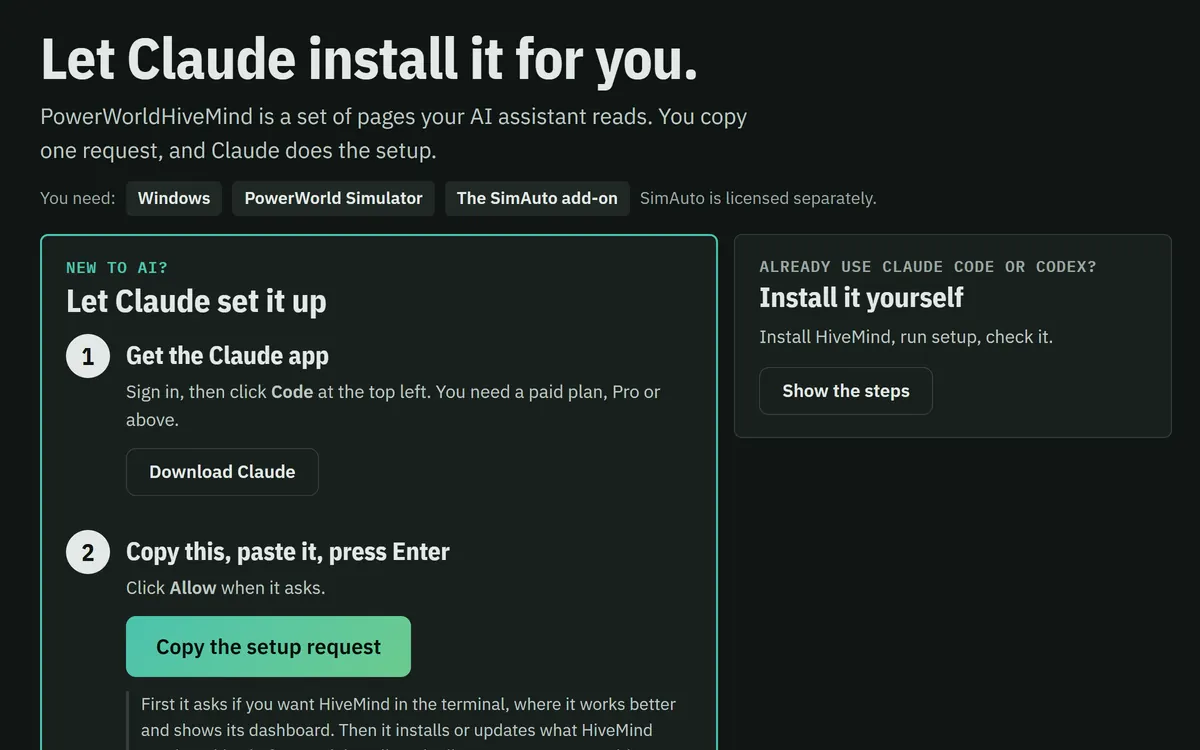
Built for Claude Code. Codex, Cursor, Windsurf and Copilot read its AGENTS.md, and Gemini CLI reads a copy, GEMINI.md: checked against their docs, not tested on each one. You need Windows, PowerWorld Simulator and its SimAuto add-on.
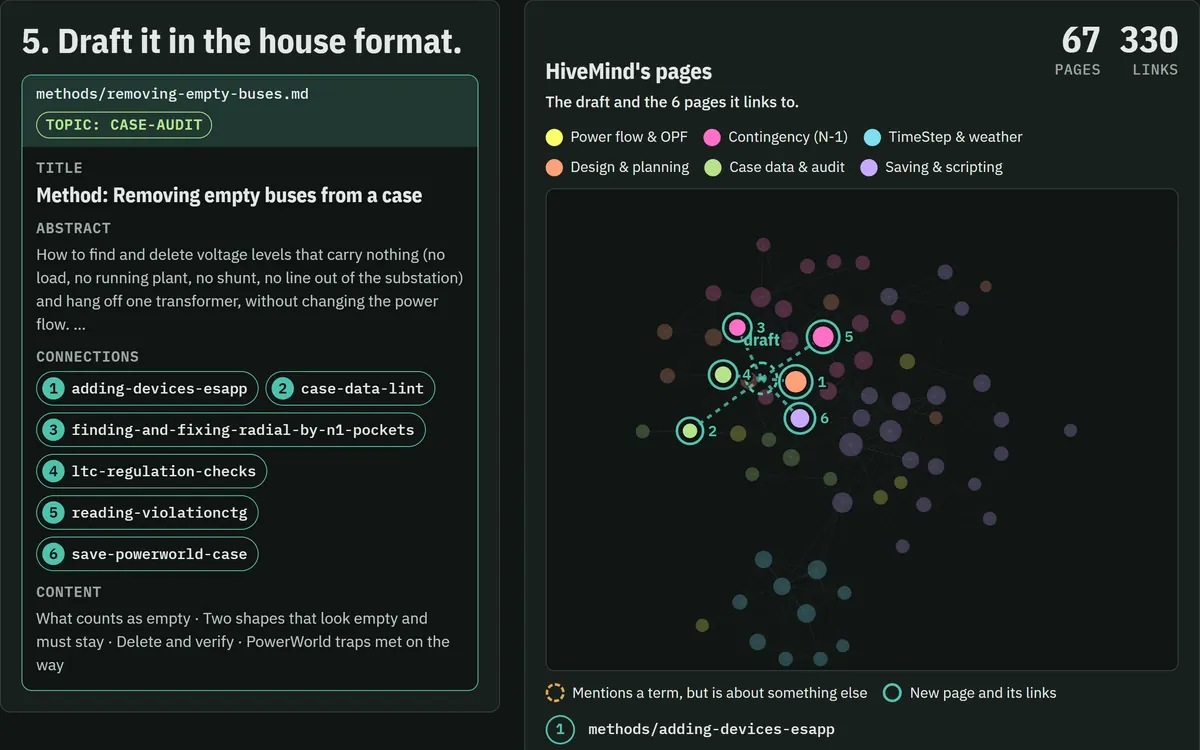
Every page is a dot and every link a line. Click a dot to read the page.
How it finds the answer
The agent never reads the whole kit. It turns your question into search terms, reads only the pages that match, and says so when no page covers it. Two illustrated walkthroughs, built on real pages and searches.
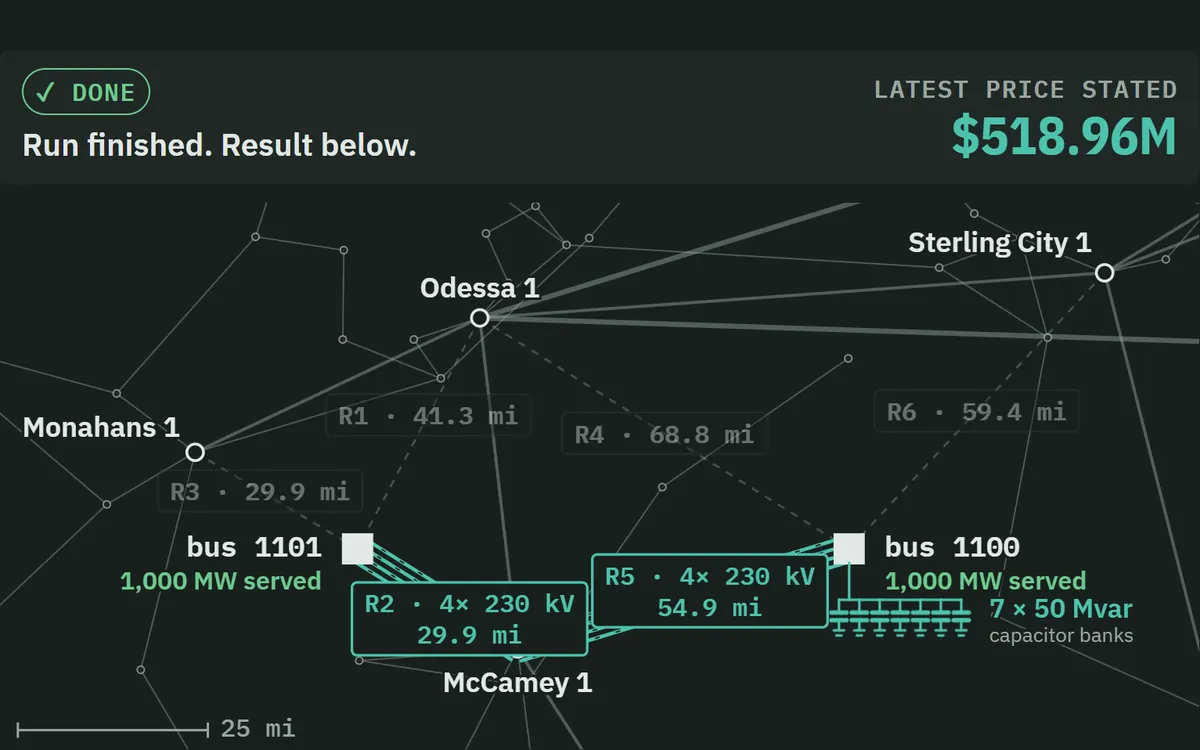
All 12 come from one corridor, four parallel 69 kV circuits between bus 19 and 23. Losing any one overloads the other three.
Here are the loadings
Build 19→23 and violations go 12 → 2. Do not build 27→29. I tested it, and it makes N-1 worse.
The 2024 case has more branches
The plan adds 691 branches and 199 generators, retires nothing, and none of it is a renumbering artifact. I checked.
The case has renewables
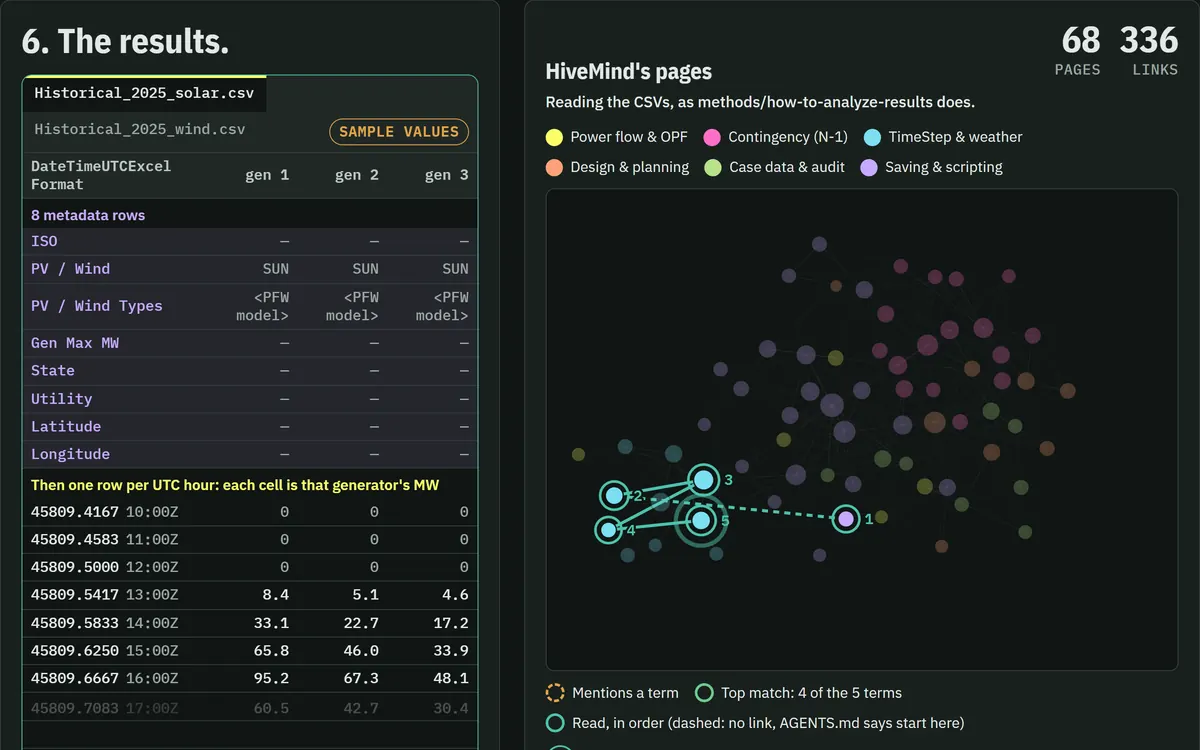
9 of 45 units carry PFW models, so this case can run a weather study. Here is the hourly output.
In the remediation demo, two of five plausible fixes made the system worse, including the one an engineer would pick first. You only find that out by measuring.
A fresh Claude Opus 5.5 with the kit got 30 real PowerWorld study requests: 4 questions, 13 studies, 8 design reviews and 5 designs. Each answer was graded against an answer key written before the run.
Kit v0.530 of 30 solved30of 30
Solved all 30. That means at least about 89% at 95% confidence.
Kit v0.420 of 30 solved20of 30
Of the other 10: 3 partial, 2 failed, 5 timed out.
Minutes per request
v0.5
8.3
v0.4
12.5
Cost per request: $1.11 for v0.5, at least $1.27 for v0.4.
You talk to the agent in plain English. The agent reaches Simulator one of two ways.
The default: one live Python session
The agent writes Python with esapp, which drives Simulator through SimAuto. It opens the case, writes changes, solves, and reads every write back, because PowerWorld reports success on writes that did nothing.
Fast, scriptable, runs in parallel. Every demo uses it. Needs the SimAuto add-on, which is licensed separately.
Aux file integration: the agent reads what PowerWorld said
Turn on one setting and Simulator watches a folder. The agent writes an .aux script and drops it in. Simulator runs it and writes back the result CSVs and its own message log for that script: records read, control adjustments, every mismatch iteration, and whether the solve succeeded.
A SimAuto call hands back only an error string, so a silent failure stays silent. Here the agent reads the log line that explains it, and you keep a script you can read and re-run.
It's slower: a dialog has to stay open, so there's no batching, and it needs a recent Simulator build.
 PoWerHiveMind